
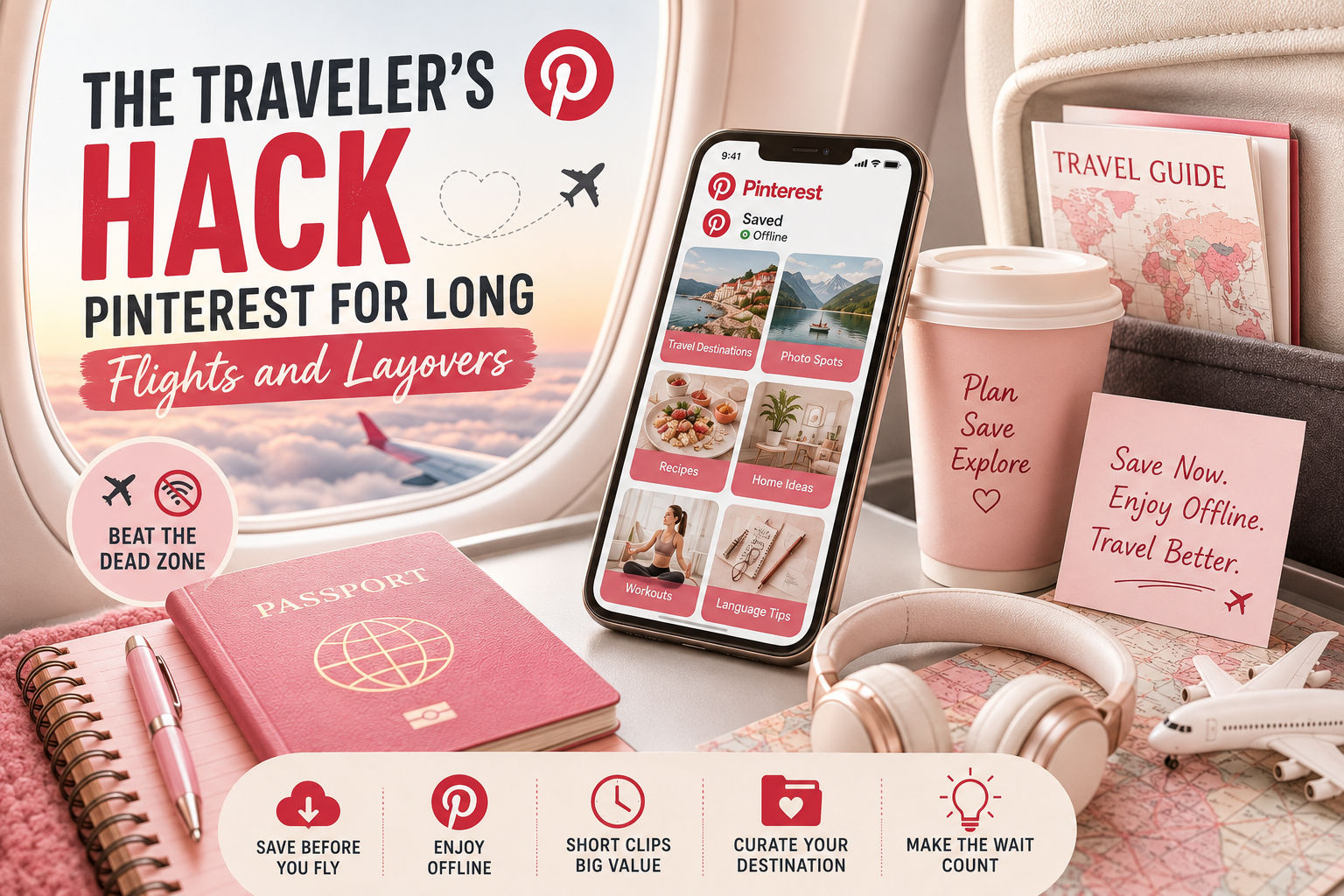
The Traveler’s Hack: Pinterest for Long Flights and Layovers
Gate’s delayed again, the seatback screen is stuck on a safety video from years ago, and airport Wi-Fi wants money for something that still will not load. Most people just sit through it. Some have figured out a better way, and it starts the night before, not at the gate.
The “Dead Zone” Problem
Airports and planes are basically Wi-Fi dead zones. Sometimes there is no signal at all, sometimes it is slow enough that loading one photo eats up five minutes. Anyone who has fought with gate WiFi on a busy travel day knows the exact moment you just give up and lock your phone.
Saving Pinterest content before you leave the house skips all of that. A mood board for a kitchen remodel, a few workout ideas, and some recipes worth trying, none of it needs a connection once it’s already saved on your phone.
Why Short Beats Long Here
Its clips run fifteen seconds to a minute, so fifty of them barely dent your storage, way less than one downloaded show. That matters when you are deciding what’s worth keeping room for before a trip.
Short also just works better in an economy seat. A two-hour movie asks for more focus than most people have left after security lines and a rough night’s sleep. A short pin does not ask for that much. You watch it, you’re done, and you move on.
Curating for the Destination
The travelers who get real value out of this build a folder for where they are actually going, not just random stuff to pass time. A few photo spots that don’t show up on the first page of a search. A phrase or two if the menu’s not in a language you read.
None of it needs memorizing beforehand. It just needs to be saved somewhere you can find it once you’ve landed without a local SIM card yet and a battery you are trying to stretch.
The Night Before Matters More Than the flight itself.
Home WiFi is the whole trick here. Do the saving the evening before you fly, not at the gate when it’s already too late to matter. Run your saved pins through a tool like klickpindown.com, pull down what you need in a few minutes, and the rest of the trip just runs on what you already stored.
Making the Wait Actually Count
The real point of all this is not just avoiding boredom, it’s turning a stretch of forced downtime into something you get to walk away from having actually used. A three-hour layover spent going through a saved folder of kitchen ideas means you land with half a renovation planned instead of just a stiff neck. A flight spent working through destination pins means you step off the plane already knowing where you’re headed first instead of pulling out your phone at baggage claim trying to remember what you read weeks ago.
None of that happens by accident. It only works because the content was already sitting there, saved and ready, before the dead time even started.
Quick Questions Travelers Usually Ask
Does this work without any wifi at all?
Yes, once you have saved the Pinterest content to your phone, it’s just sitting there like any other photo or video. No connection needed to open it again.
Do I need to install anything extra to do this?
Not really. Most people use a browser-based Pinterest downloader rather than a separate app, so there’s nothing sitting on your phone taking up permanent space beyond the saved files themselves.
What if I forget something and only remember once I’m already at the gate?
Spotty airport wifi can sometimes get you through one more save if you are patient, but it’s exactly the situation this whole habit is meant to avoid. Worth double-checking the folder before you leave the house rather than relying on it.
Is this only useful for flights?
No. The same trick works for train rides through areas with weak signals, road trips, and even hotel wifi that struggles once too many guests are connected.