
How to Download Pinterest Videos, Images, GIFs and MP3 for Free
Saving content from Pinterest is not as simple as it looks. The platform does not give you a direct download button for most content. KlickPindown fills that gap with four free tools covering videos, images, GIFs, and MP3 audio. No account, no app, no payment. Just paste your link and the file is on your device.
What KlickPindown Lets You Download
Four tools, all free, all working directly in your browser.
You can save Pinterest videos in the best available quality, download full resolution images, grab animated GIFs as proper looping files, and extract MP3 audio from any Pinterest video. Each tool handles a different type of content but works the same simple way.
How to Download Pinterest Videos
This is the most used tool on the site. The steps take less than a minute.
Step 1: Copy the Pinterest Video Link
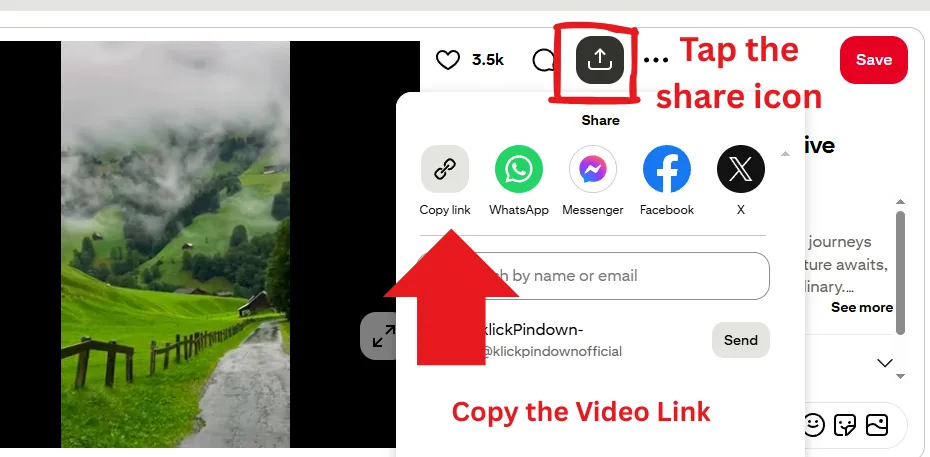
Open Pinterest and find the video you want. On mobile, tap the share icon and select “Copy Link.” On desktop, click the three dots on the pin and copy the link from there. The link will look something like pinterest.com/pin/123456789.
Step 2: Open KlickPindown and Paste the Link
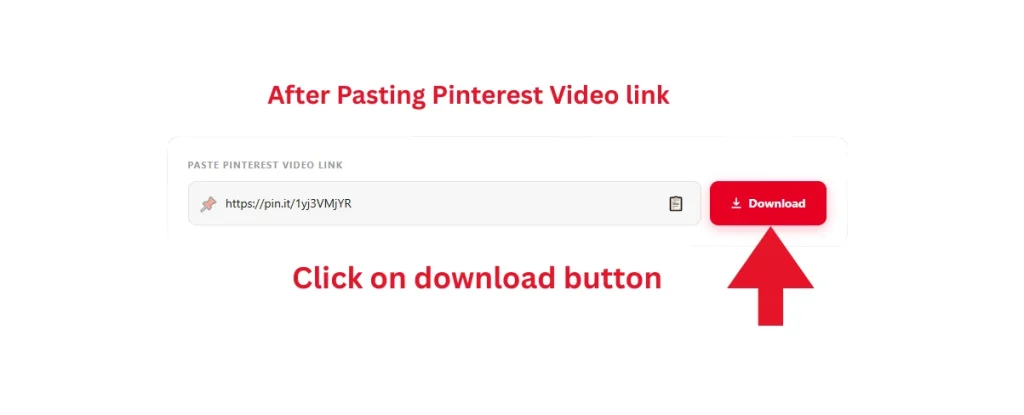
Head over to the Pinterest Video Downloader page on KlickPindown. Click inside the input box and paste the link. It takes one second.
Step 3: Download and Save Your File
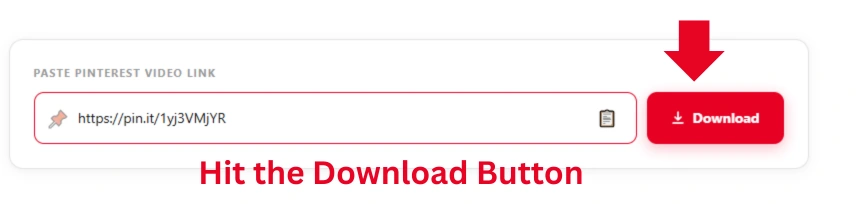
Click the download button. KlickPindown fetches the video in the best available quality and either starts the download automatically or shows a save prompt. Tap save and the file lands on your device. The whole process from pasting the link to saving the file takes under a minute.
Downloading Pinterest Images
Pinterest compresses images when you view them on the platform. What you see in your feed is not always the full quality version. KlickPindown pulls the original resolution directly, so what you download is the actual file, not a compressed preview.
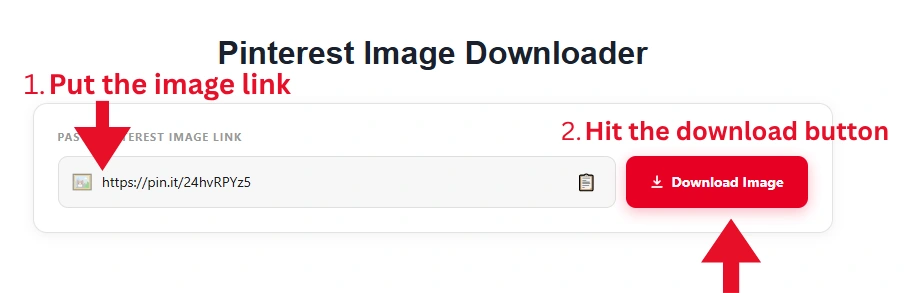
Copy the image pin link from the share button, paste it into the Pinterest Image Downloader on KlickPindown, and hit download. The file saves to your device in its original quality with no watermark.
One thing worth knowing. Some pins on Pinterest are linked from external websites rather than uploaded directly to Pinterest. If a download does not work on the first try, that is usually why.
Saving Pinterest GIFs
GIFs are tricky on Pinterest. The platform plays them automatically in your feed but gives you no obvious way to save them as an actual GIF file. Most people end up screen recording them which gives terrible quality.
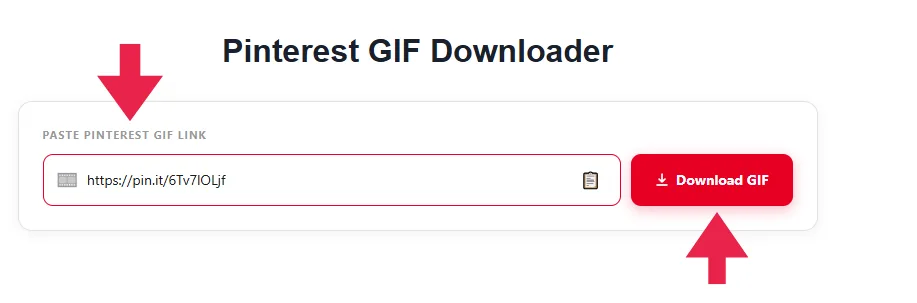
KlickPindown handles this properly. Find the GIF pin, copy its link from the share button, and paste it into the Pinterest GIF Downloader. What you get back is a proper animated GIF file, not a video, not a screenshot. It loops correctly and works anywhere GIFs are supported.
Extracting MP3 Audio from Pinterest Videos
This is honestly the most underrated tool on KlickPindown. A lot of Pinterest videos have background music, voiceovers, or audio content that is genuinely worth keeping. Maybe it is a recipe tutorial with a great narration. Maybe it is a motivational clip with a track you want to find again. Whatever the reason, the MP3 downloader lets you pull just the audio.
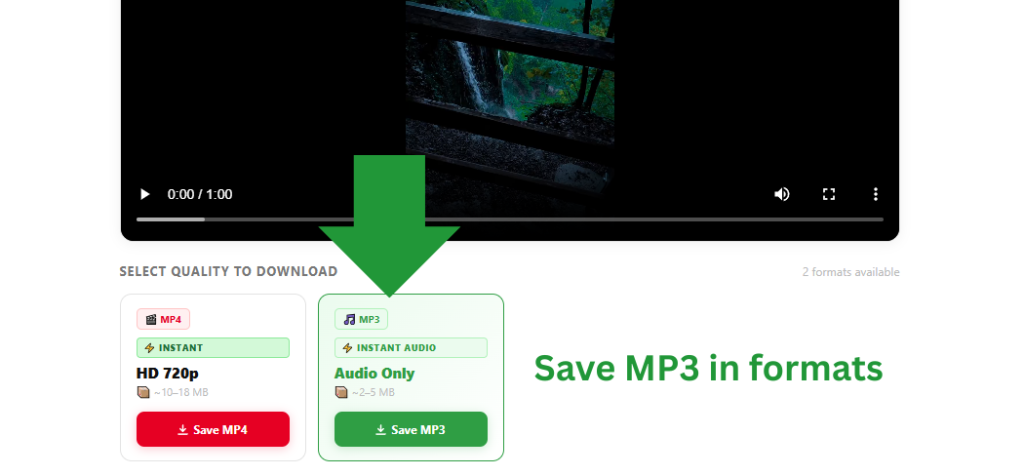
Paste the Pinterest video link into the MP3 downloader and download. The file saves as a clean MP3, no video attached, no extra steps. It works on any Pinterest video that has audio in it.
One thing to keep in mind. Downloaded audio still belongs to its original creator. Use it for personal listening only.
A Few Things That Help
If a download fails on the first try, refresh the page and paste the link again. This fixes most issues. KlickPindown works on Chrome, Safari, Firefox, and all major mobile browsers so you do not need to switch devices. For videos, the downloader always fetches the highest quality version available on Pinterest at that moment.