Pinterest Downloader Guide: How It Works, Common Issues, and Safe Usage
You find a recipe video worth keeping, or a workout you actually want to follow along with later, and you save the pin. Then a week goes by, you open Pinterest to find it again, and either you can’t locate it or you just want the file itself instead of digging through a board every time. That gap between “saved on Pinterest” and “actually on my phone” is exactly why Pinterest downloaders exist.
This guide walks through what these tools do, how to use one without fighting your browser, why downloads sometimes fail for no obvious reason, and where the line sits between saving something for yourself and using it in a way a creator wouldn’t be okay with.
What is a Pinterest Downloader?
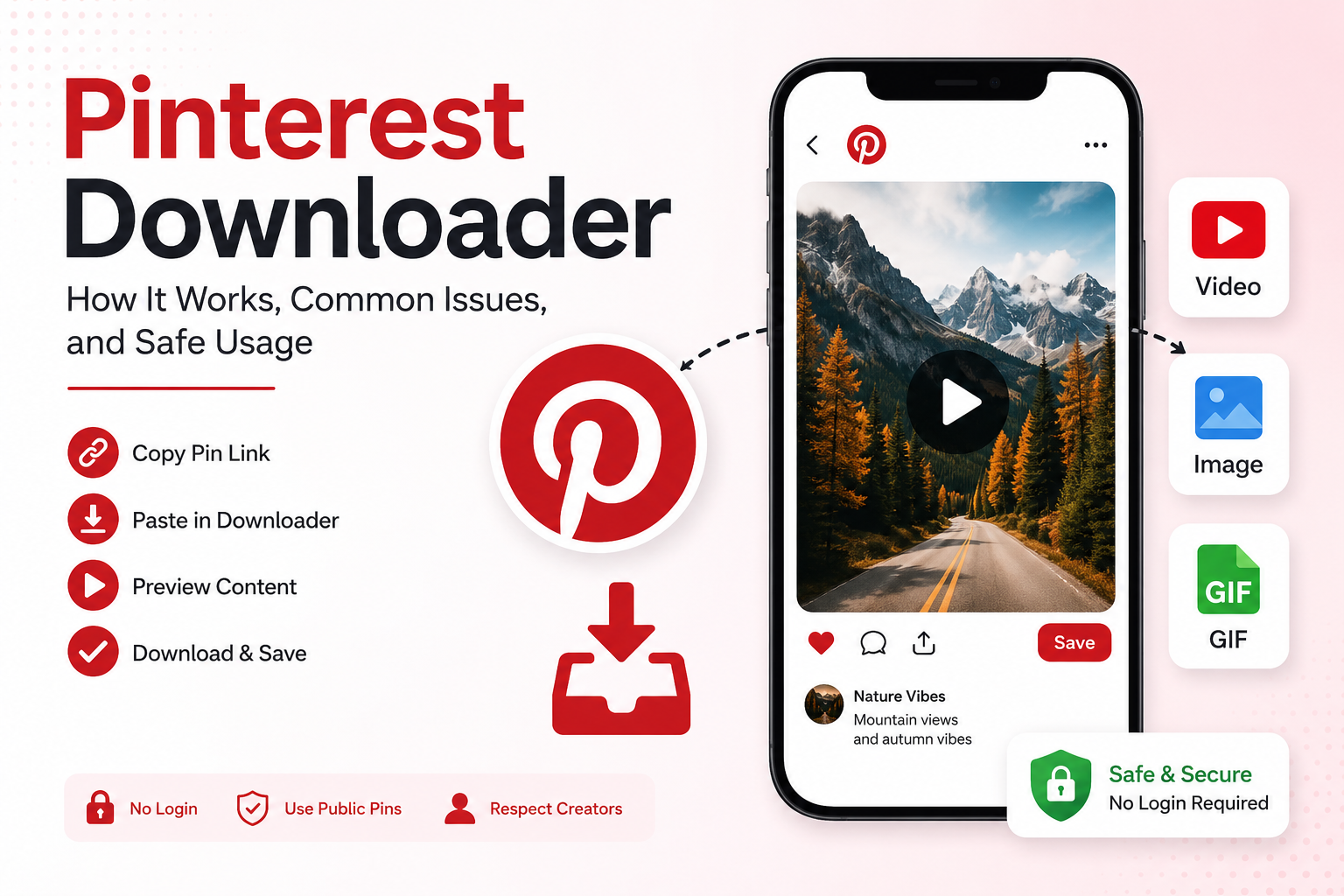
A Pinterest downloader is a tool that pulls the available media from a public pin link. Copy the pin’s URL, paste it in, and it checks whether there’s a video, image, or GIF sitting behind that link you can save to your device.
Pinterest itself doesn’t make this easy for every pin type. Videos especially are usually just playable inside the app, with no obvious save button anywhere near them. A Pinterest video downloader is basically a workaround for that one missing feature.
How Does a Pinterest Downloader Work?
Most tools work the same basic way, whether it’s a browser-based site or an app version.
Step 1: Copy the Pin Link, Not the Board Link
Open the actual pin, not the board it’s sitting in, and definitely not your profile page. This trips people up more than anything else on this list. Boards and profiles hold multiple pins, so a downloader has no idea which one you mean.
Step 2: Paste the Link Into the Downloader
Go to klickpindown.com and paste the copied pin link into the download box. The tool checks the link and pulls up whatever media is attached to it, whether that’s a video, an image, or a GIF. This usually takes just a few seconds.
Step 3: Save the File
If something downloadable exists, you’ll get the option to grab it. Desktop downloads usually land in the Downloads folder without much fuss. On mobile it’s less predictable, sometimes Files, sometimes Downloads, and sometimes straight to the gallery, depending on your phone and browser.
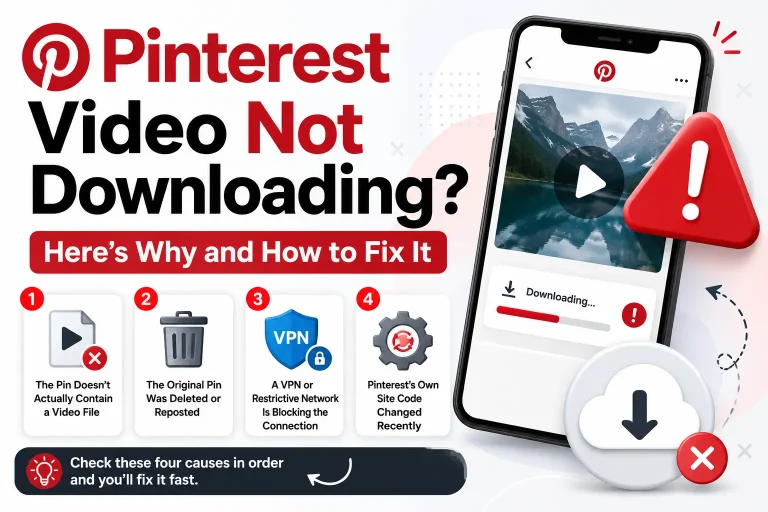
Common Pinterest Video Download Problems (and How to Fix Them)
Downloads fail more often than they should, and it’s rarely one single cause. A few things tend to be behind it.
Wrong link copied
Board links and profile links look almost identical to pin links at a glance, but a downloader can’t work with either. Always check the URL points to the individual pin before pasting it anywhere.
Browser cache and cookies acting up
Cached data builds up over time and occasionally breaks how a page loads without any obvious symptoms. Clearing your browser’s cache and cookies, then reloading Pinterest fresh, fixes this more often than you’d expect.
Outdated browser or app
An outdated browser or an old version of the Pinterest app can also cause pages to misbehave, sometimes generating broken links or failing to load properly at all. Updating either one usually resolves it in a couple of minutes.
Private or restricted content
If the account or board is private, no downloader anywhere is going to reach that video, and that’s by design, not a bug. Testing with a different public pin is the quickest way to rule this in or out.
Browser extensions interfering
Ad blockers and privacy extensions are useful right up until they block a script the downloader actually needs to function. Turning extensions off temporarily and trying again takes ten seconds.
Pinterest server issues
Once in a while, it’s genuinely not you. If videos won’t play anywhere on the site, not just in the downloader, waiting 15 to 30 minutes usually clears it up on its own.
When Should You Actually Use a Pinterest Downloader?
Not every pin needs to be downloaded. If you’re just collecting ideas for later browsing, a board does the job fine. A downloader earns its place in a few specific situations.
Offline access is the obvious one, recipes, workout videos, and tutorials you want to open without waiting on Pinterest, especially with unreliable internet or when traveling. Screen recording is another workaround people try, but it drops quality and picks up notifications you didn’t want in frame, so downloading the actual file just skips that problem entirely.
It is also useful for project work. Designers, students, and creators often pull together references, interior ideas, outfit inspiration, and product shots, and a folder of real files is easier to sort and back up than scrolling through a board every time.
And pins disappear more than people expect. Accounts go private, posts get deleted, and content vanishes for reasons that have nothing to do with you. A local copy means a recipe or tutorial that mattered to you is still there, even if the original is not.
How to Use a Pinterest Downloader Safely
Not every downloader out there is built the same way. Before pasting in a link, it’s worth checking a few things:
- It shouldn’t ask for your Pinterest password or login at all
- It should work over HTTPS
- It shouldn’t require installing a browser extension you’ve never heard of
- It should only need the pin link, nothing more.
- It shouldn’t try to push unrelated file downloads on you
If a site is asking for your account credentials just to save a video, that’s your answer, close the tab.
Downloading Content Responsibly
Getting the file is the easy part. What you do with it after is what actually counts.
Treat it like a library book, you can read it, learn from it, and keep it around, just don’t photocopy it and call it yours. Reposting someone’s video or using it commercially is a different story, and it’s not fair to whoever made it. A quick like or comment on the original pin after you download something goes a long way too, it costs nothing and tells the creator their work mattered.
Final Thoughts
A Pinterest downloader solves one specific problem: turning a saved pin into a real file you can actually use offline. That’s it, nothing more complicated than that.
Stick to public pins, skip anything that wants your Pinterest login, and keep what you download for personal use. Do those three things and you really don’t need to think much harder about it.