
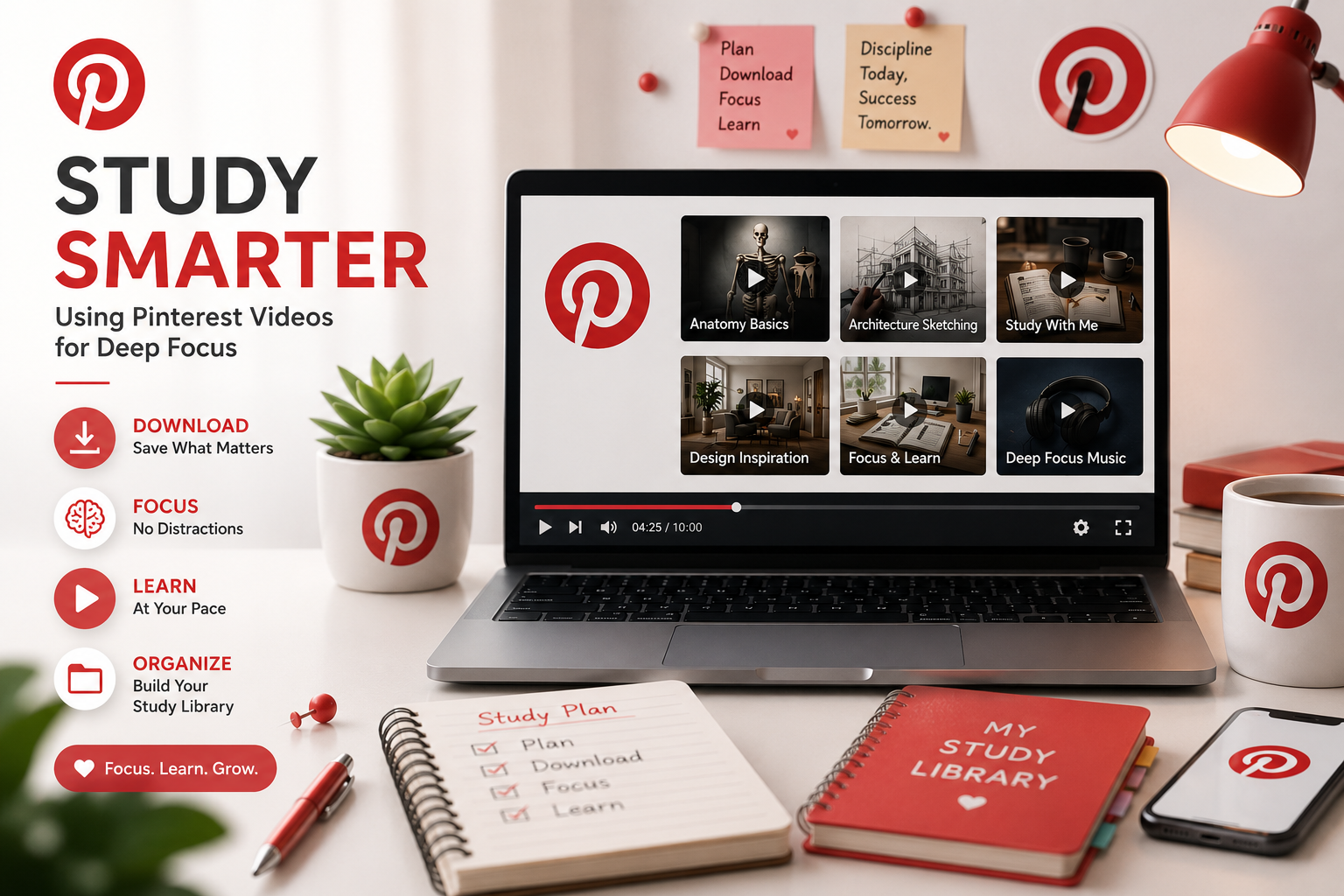
Study Smarter: How to Use Pinterest Study Videos for Deep Focus
Pinterest gets treated like a fashion and food app, but if you study medicine, architecture, or design, Pinterest study videos hold some of the best free visual material online. The problem is the app itself gets in the way. You open it looking for one anatomy diagram, and twenty minutes later you’re scrolling through someone’s kitchen renovation. Pinterest’s feed is built to keep you moving, and focused study needs the opposite.
The fix is simple even if it isn’t obvious at first. Pull the video out of Pinterest before you try to learn from it. Once a clip sits in your downloads folder instead of your feed, it stops competing with everything else on the app for your attention.
Why a Saved Video Beats a Streamed One
A video sitting alone on your device behaves differently than the same video buried in Pinterest’s feed. Nothing queues up automatically once it ends, and there’s no comment thread or notification pulling your attention sideways while you’re trying to focus.
Some of that is genuinely psychological. Your brain treats a single, isolated file as a task to finish, not content to consume. But part of it is just mechanical. A saved file plays at whatever speed you set, pauses exactly where you left it, and never rebuffers halfway through a demonstration. Streaming apps rarely let you slow footage down to half speed without stuttering, and that matters more than people expect for anything visual, like a brush stroke, a suturing technique, or a structural detail in an architecture walkthrough.
How to Download Pinterest Study Videos for Offline Use
Pinterest doesn’t have a built in way to save a video file, so you need a separate tool for that step. To pull a study video off Pinterest, open the pin you want and copy its link using the share option. Paste that link into klickpindown.com, then choose your quality and download the file. No account is required, and nothing needs to be installed. Once the file is saved, you have a normal video you can slow down, rewind, or loop as many times as the material needs.
Repetition Is What Makes Visual Learning Stick
Fast moving tutorials rarely give you a real second look on the first pass. Watching a calligraphy stroke or a software layer adjustment at half speed shows details a normal playback speed skips right past. That kind of slow, repeated viewing is closer to how most people actually learn a hands on skill. Nobody absorbs a brush technique or a lab procedure by watching it once at full speed and moving on.
Turning Saved Clips Into an Actual Study Set
One video rarely covers a whole subject by itself, so the more useful habit is building a small folder of clips organized by topic. If you’re studying cell division, name the files in order, something like “01 Mitosis Overview” and “02 Prophase Details,” so the folder reads like a syllabus instead of a random pile of downloads.
Keep separate folders for separate subjects rather than one long numbered list. If you’re covering cell biology, a chemistry reaction, and a design technique in the same week, mixing them into a single sequence gets confusing fast. A folder per topic keeps each subject easy to find later, especially the night before an exam.
Put Distance Between You and the App
Once your clips are saved, the next step matters just as much as the download itself. Turn off Wi-Fi or put your phone in airplane mode before you sit down to study from the folder. Pinterest can’t interrupt you if it can’t load, and a saved video stops competing with an app that was built to keep you scrolling in the first place.
Pinterest holds real, useful study material for anyone working in a visual field. The app’s design just doesn’t help you focus on it. Pull the video out, name it clearly, and build your folder one subject at a time. Once that habit is in place, slowing down a tutorial or watching it twice stops being extra effort and just becomes how you study.