Pinterest Video Not Downloading? Here’s Why and How to Fix It
Pinterest video not downloading usually comes down to one of four causes, and most of them take less than a minute to check once you know what to look for. You paste a link, hit download, and nothing happens. That doesn’t automatically mean the tool is broken.
If you’ve already checked the basics, confirming you copied the pin link and not a board link, and clearing your browser’s cache, our Pinterest Downloader Guide covers those two causes in detail. This article picks up from there.
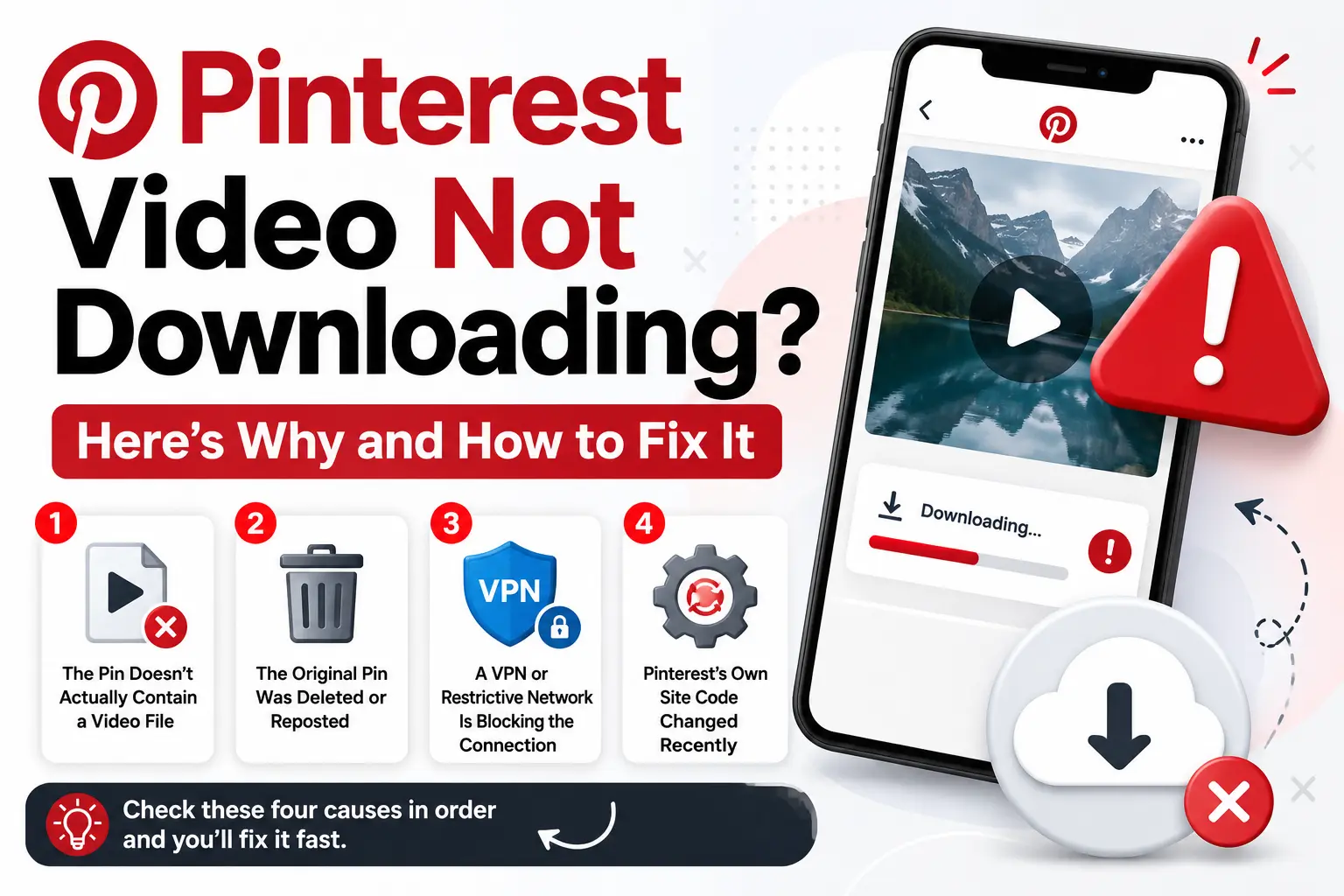
Why Is Pinterest Video Not Downloading? Four Causes to Check
Once the basics are ruled out, four causes explain almost every remaining case. Each one has a different fix, so check them in order rather than guessing.
The Pin Doesn’t Actually Contain a Video File
Not everything on Pinterest that looks like a clip is technically a video. Pinterest merged its older Story Pins and Idea Pins into a single unified pin format. That format can hold images, video, or several pages combined into one post, depending on how the creator built it.
A pin that looks animated in your feed might actually be a short image sequence, not a true video file. A downloader looking for video data comes up empty even though something is clearly moving on screen.
If a downloader keeps failing on the same pin, open it directly in the Pinterest app first. Check whether you’re looking at a single video, a multi-page post, or a set of images.
The Original Pin Was Deleted or Reposted
Pinterest content moves more than most people realize. A creator can delete a pin, switch their account to private, or repost the same video under a new pin with a different link. If a link worked yesterday and fails today, the original may simply be gone.
Search for the video again directly on Pinterest instead of retrying the same dead link. A fresh repost, if one exists, carries a working link even when the old one has stopped resolving.
A VPN or Restrictive Network Is Blocking the Connection
This cause has nothing to do with the link itself. Content delivery networks, the infrastructure that actually serves files like Pinterest videos, routinely watch for traffic patterns that look like a VPN or shared proxy. Providers such as Cloudflare and Akamai build this detection directly into how they handle incoming requests.
When a connection gets flagged, it can slow down or get blocked entirely before the file reaches you, even with a completely valid link. The same thing happens on some public Wi-Fi networks, and especially on workplace or school networks that restrict certain connections by policy.
If downloads fail consistently in one place but work elsewhere, or the moment you switch off a VPN, the network is likely the real obstacle.
Pinterest’s Own Site Code Changed Recently
Platforms like Pinterest update their site code regularly. Those changes occasionally affect how third-party tools read a pin’s page, sometimes for a few hours, sometimes longer, until the tool adapts. This isn’t unique to any one downloader.
If something that used to work suddenly stops, and none of the causes above explain it, this is often the answer.
How to Troubleshoot It Step by Step
Work through these in order instead of guessing randomly. Start by checking whether the pin actually contains a downloadable video. That rules out one entire category right away.
Next, check whether the original might have been deleted or moved. A quick search on Pinterest answers that in under a minute. If both check out, test the same link with a VPN off or on a different network.
If Pinterest video not downloading is still happening after ruling out all three, a recent platform change is the likely cause, and waiting a while is the right call.